| House10X Digital | |
Your digital business card, on your phone like an app. Takes 30 seconds. | |
| |
| Not sure which phone? Find your phone below. | |
| 1. iPhone (Safari) | |
|
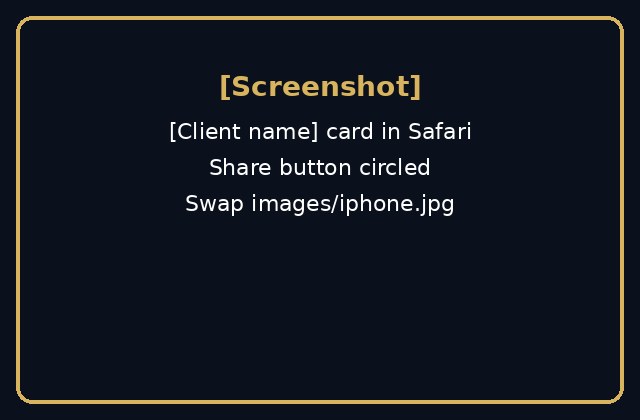
1. Open the card in Safari. 2. Tap Share, the square with an arrow, at the bottom middle. If you only see three dots, tap those first, then Share. 3. Scroll and tap Add to Home Screen. 4. Tap Add at the top right. | |
| |
| 2. Android (Chrome) | |
|
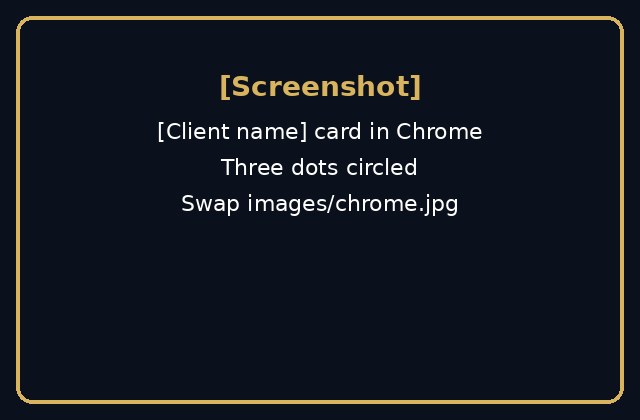
1. Open the card in Chrome. 2. Tap the three dots at the top right. 3. Tap Add to home screen, or Install app. 4. Tap Add, or Install. | |
| |
| 3. Samsung (Samsung Internet) | |
|
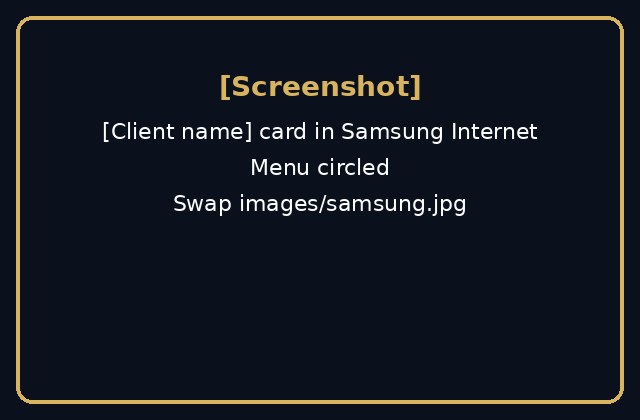
1. Open the card in Samsung Internet. 2. Tap the menu, three lines, at the bottom right. 3. Tap Add page to, then Home screen. 4. Tap Add. | |
| |
| |
| Done! Tap the icon anytime to share your card. | |
| Stuck? Email us at support@house10xdigital.com.au |